Mobile trading
Your account in your pocket.
The Totality App brings your trading account to your phone or tablet. Place trades, check positions and access account features from supported mobile devices. Available on iOS and Android for existing Propex24 clients.
Download the app
Search for Totality on the App Store or Google Play and download the free app.
Log in with your existing credentials
Use your existing Propex24 account details to log in. First time? Use Forgot Password to set up access.
Start trading on the move
Access your full account, positions and the markets from anywhere on your mobile or tablet.
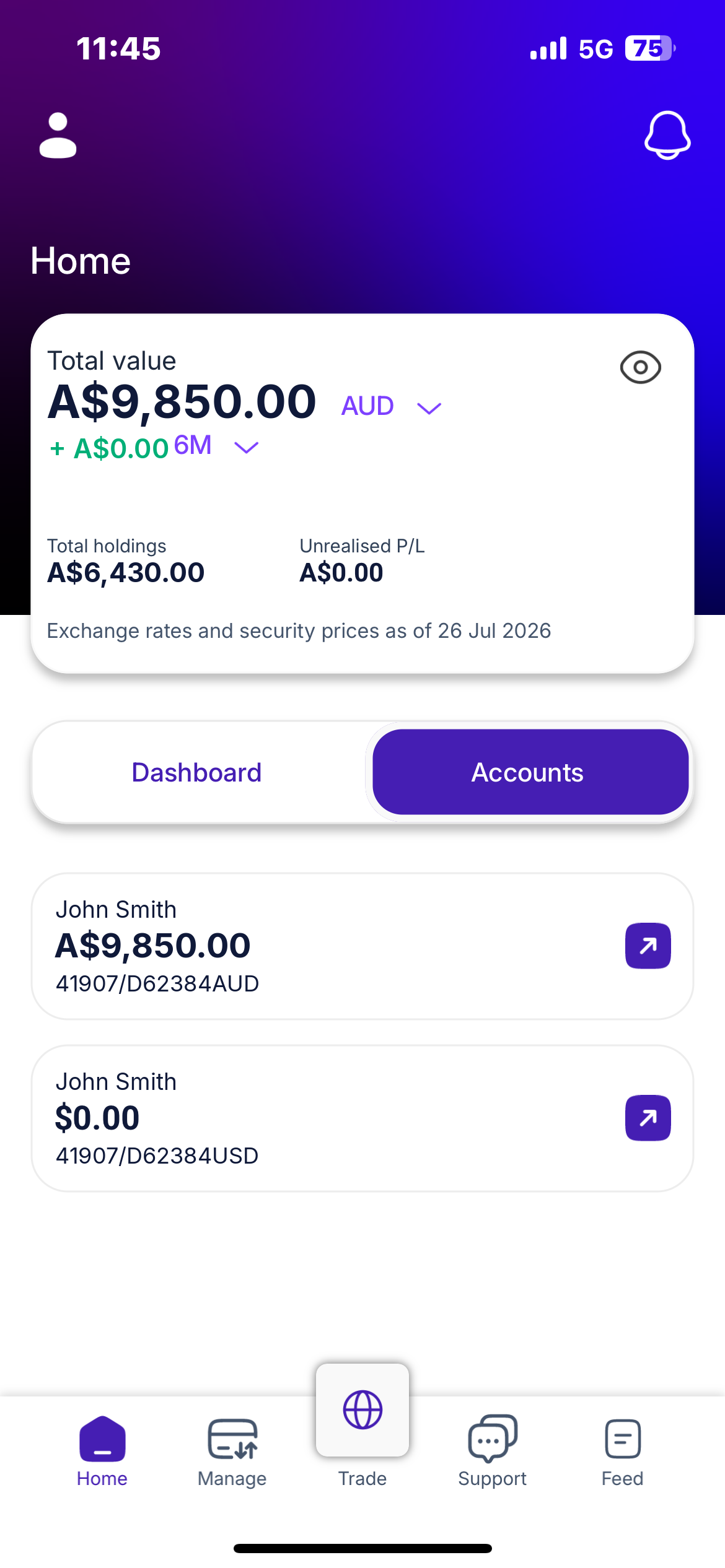
Sample account. Figures are fictitious.
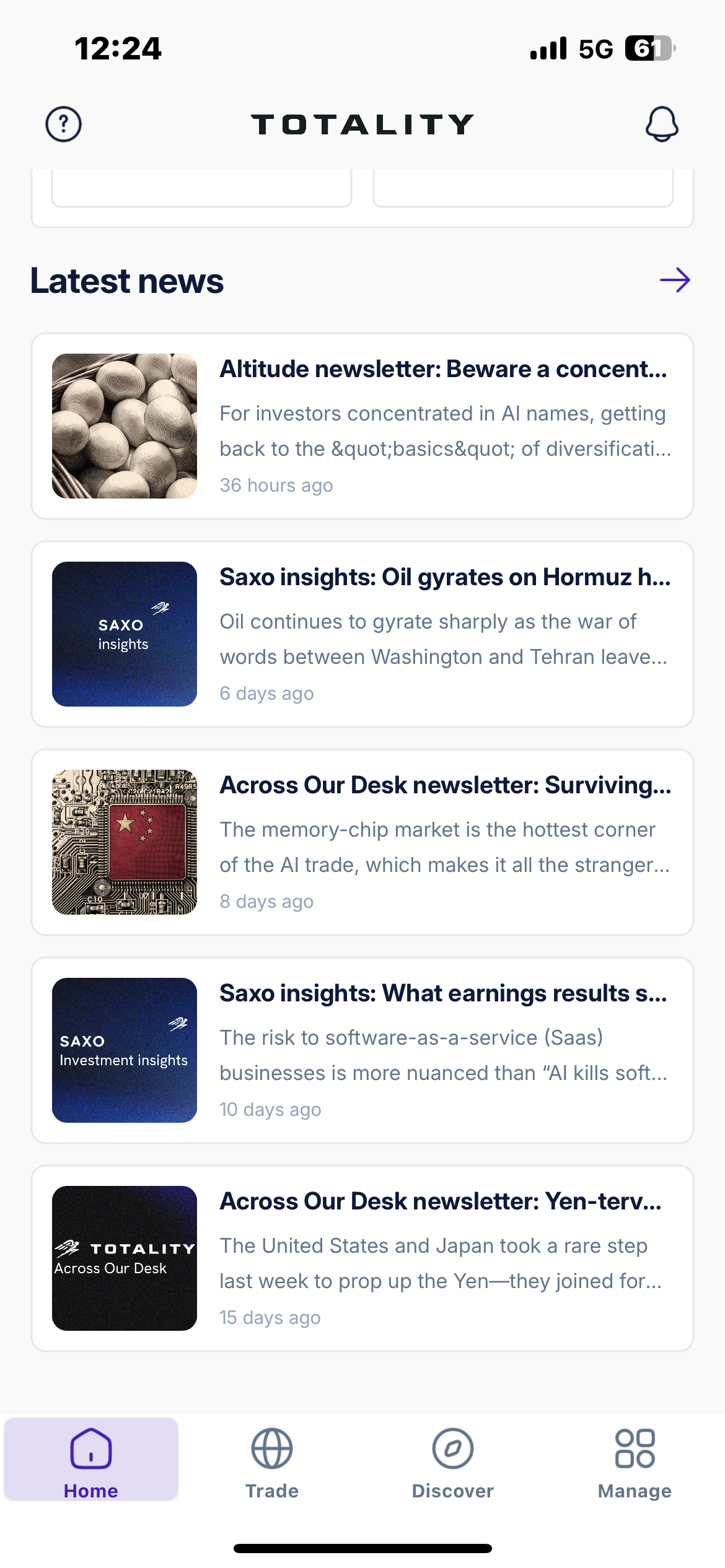
Stay across market-moving news and research from the desk, wherever you are.
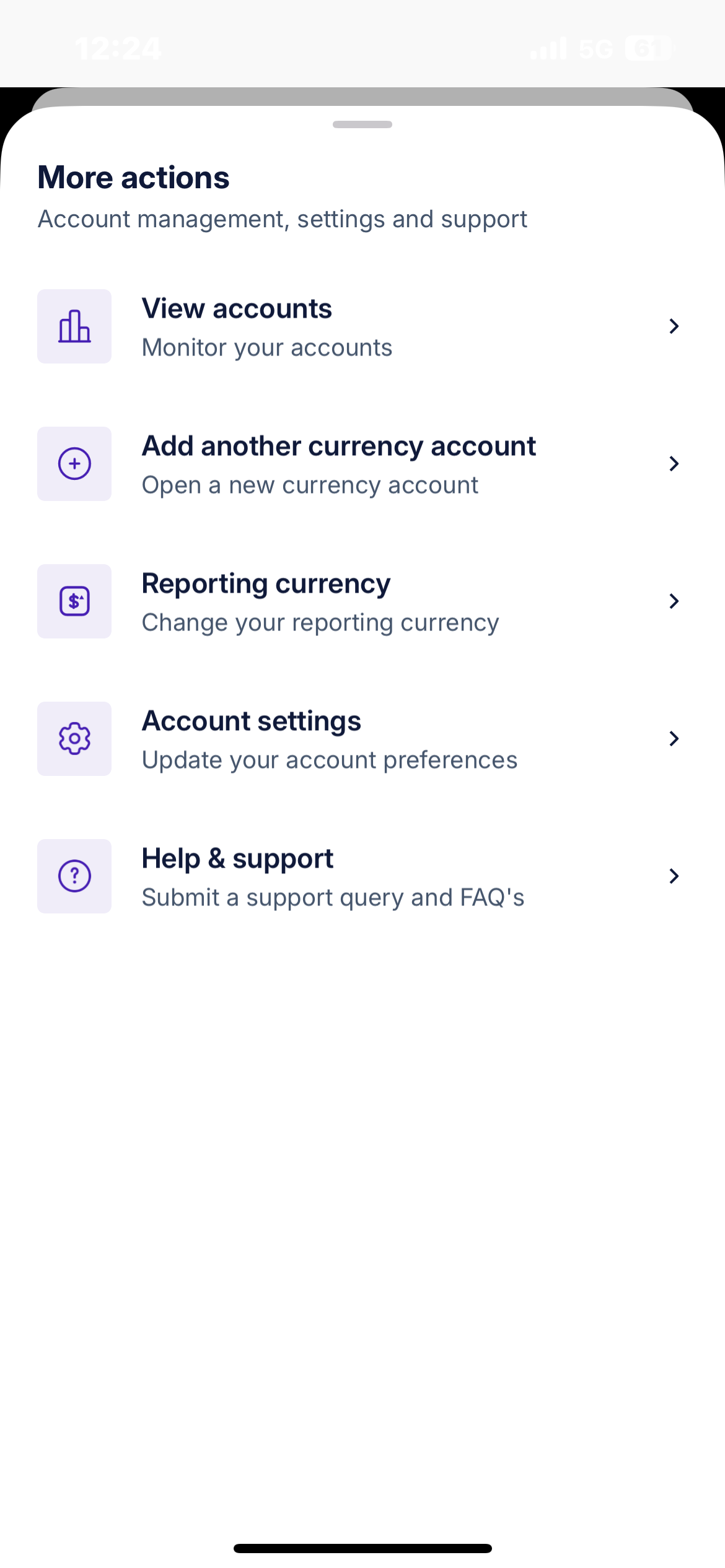
Manage your account on the go: view accounts, update settings and reach support in a few taps.
Trade on the move
Place and manage trades from your mobile or tablet while away from your desktop setup.
Secure access
Log in securely with multi-factor authentication on your device.
iOS and Android
Available on mobile and tablet across Apple and Android devices.